

How to Access Client Portal
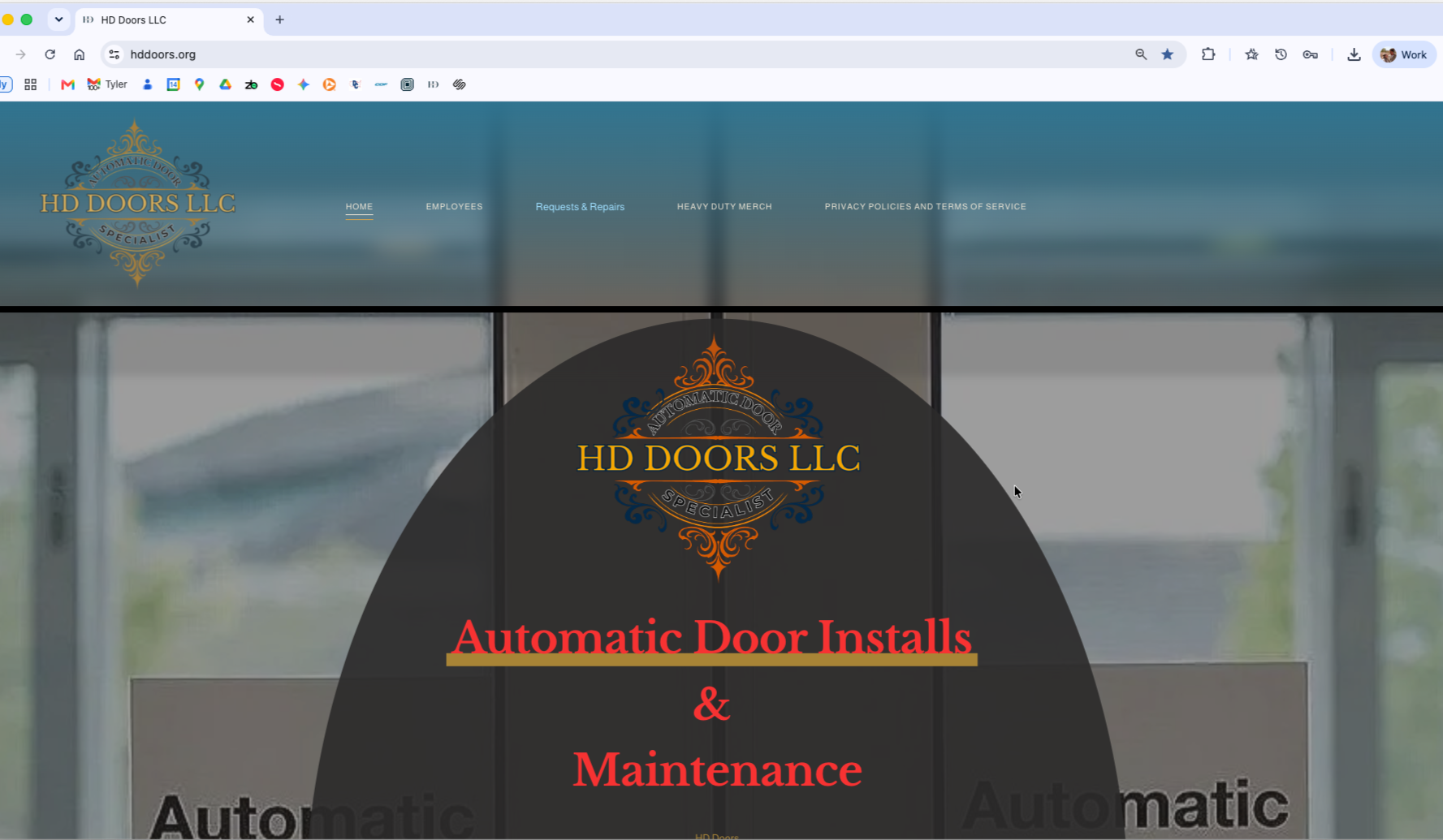
Step 1: Navigate to https://www.hddoors.org/
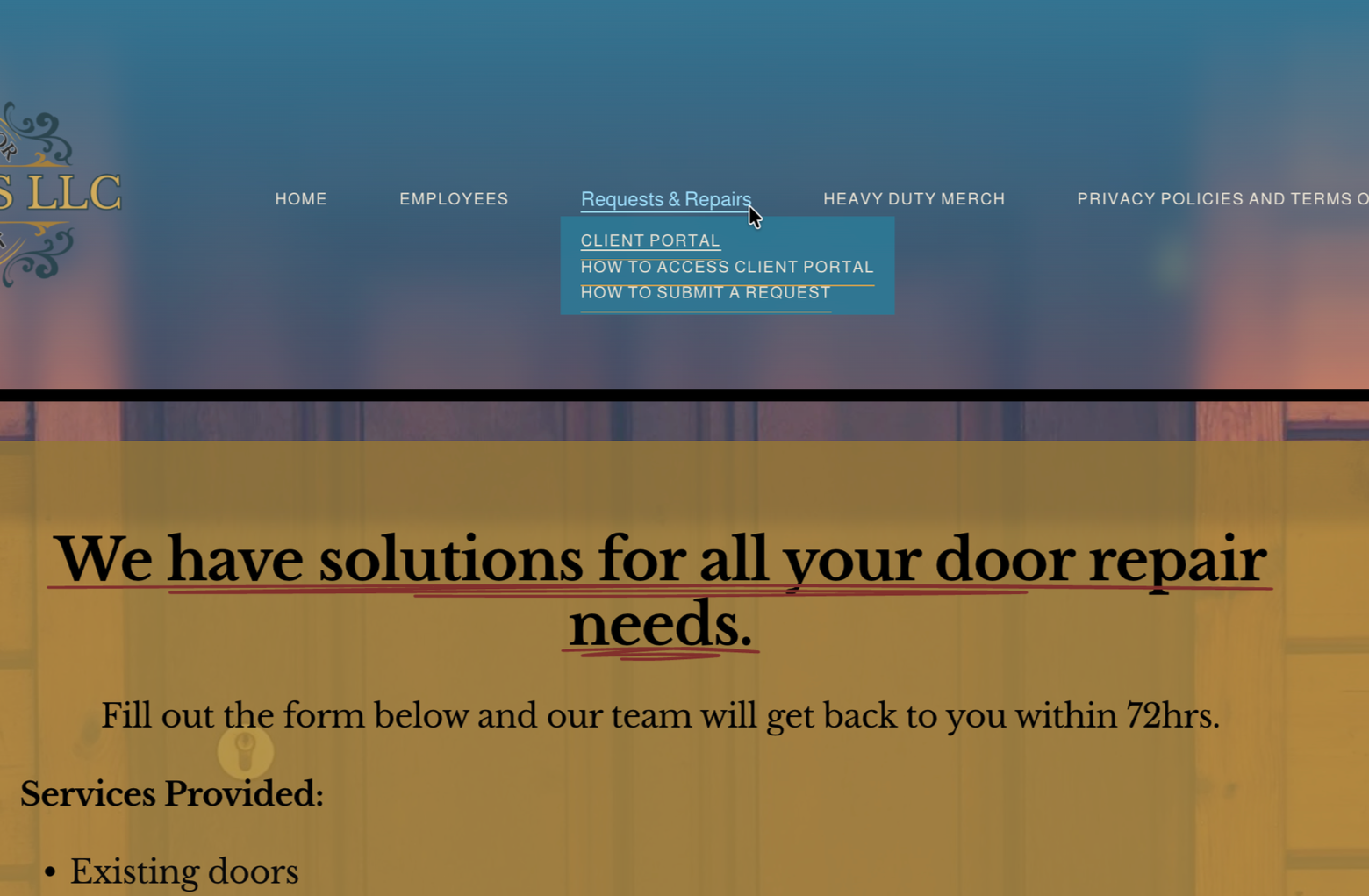
Step 3: Scroll down and click the client portal button.
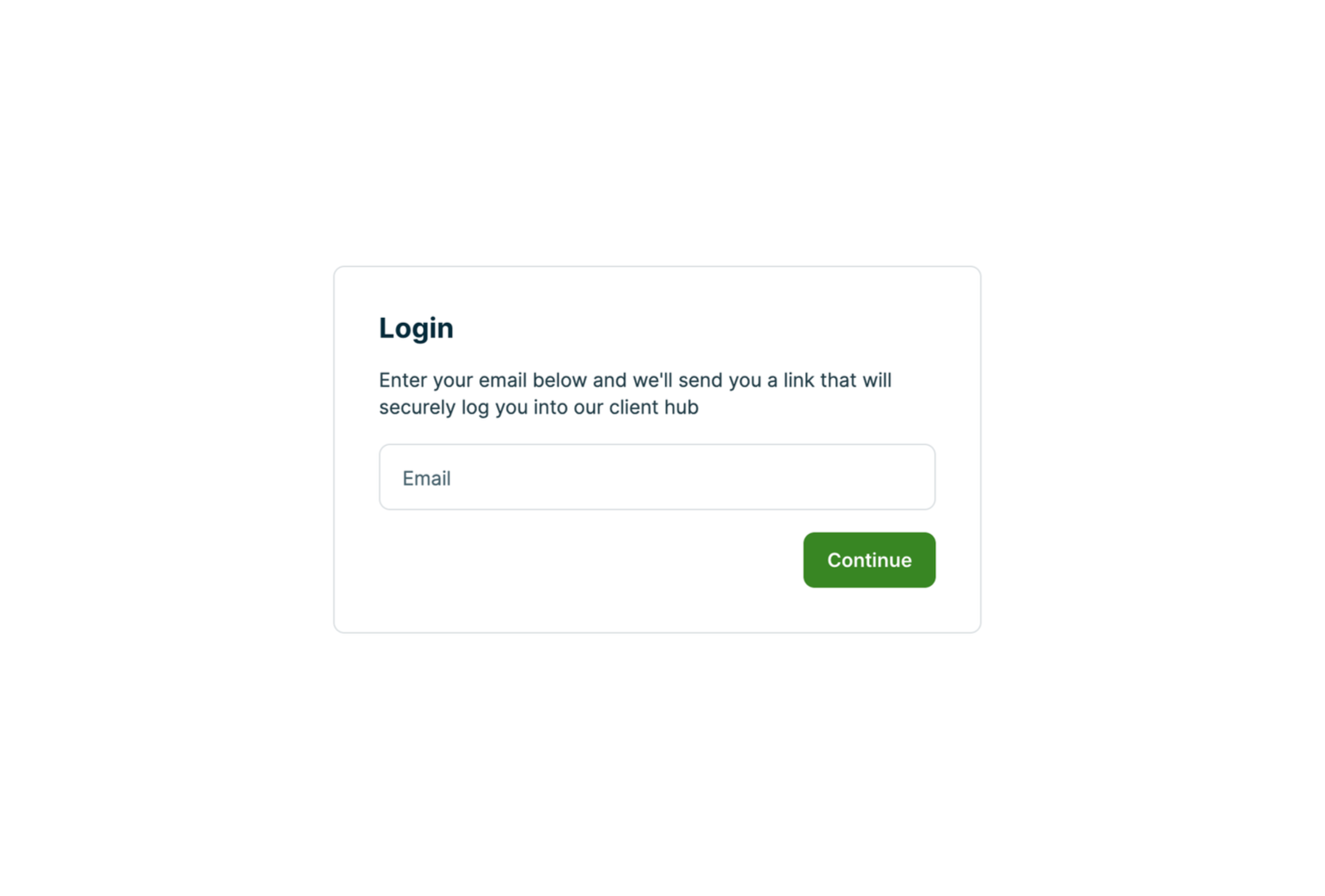
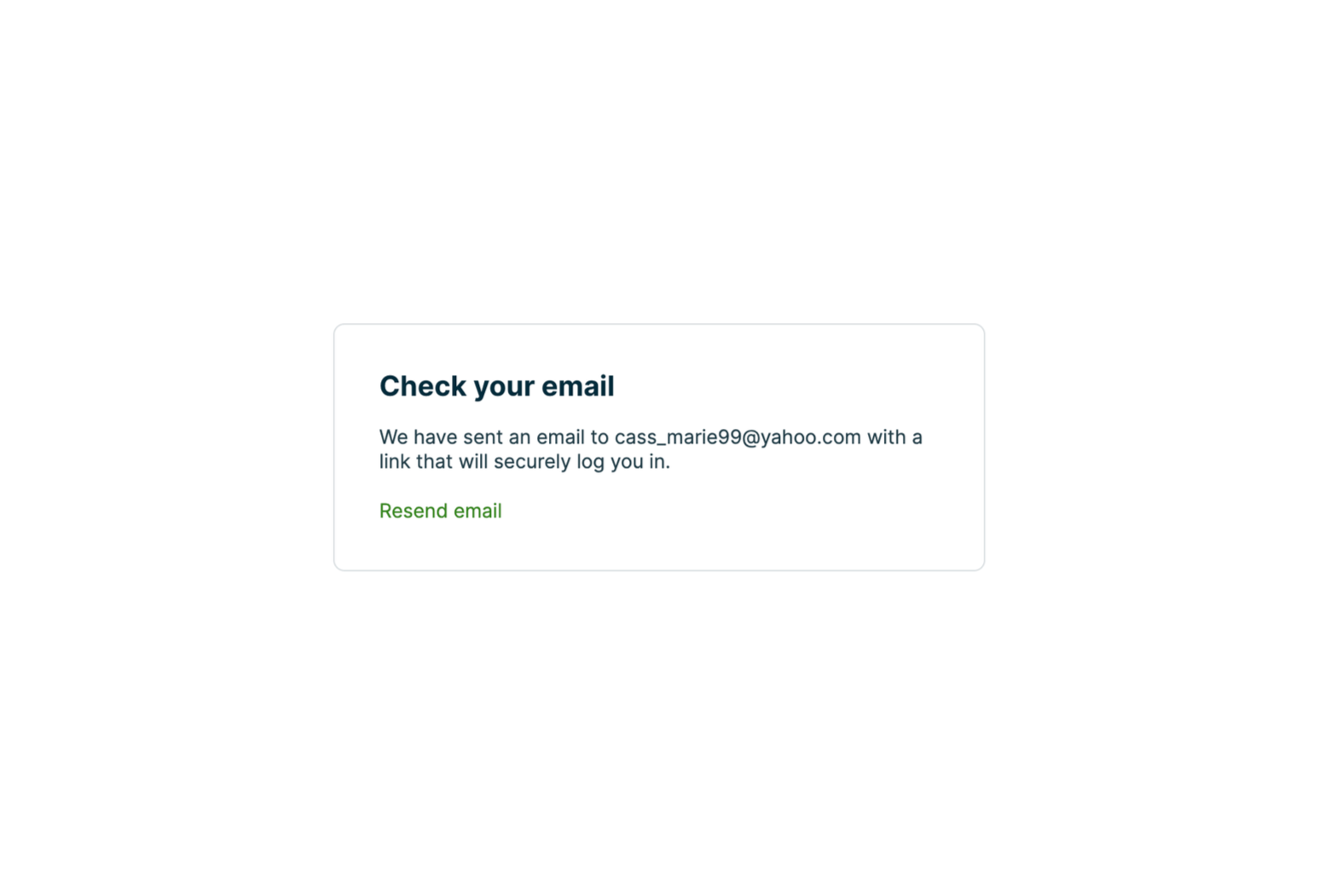
Step 4: Enter the email your company chose to be the primary email.
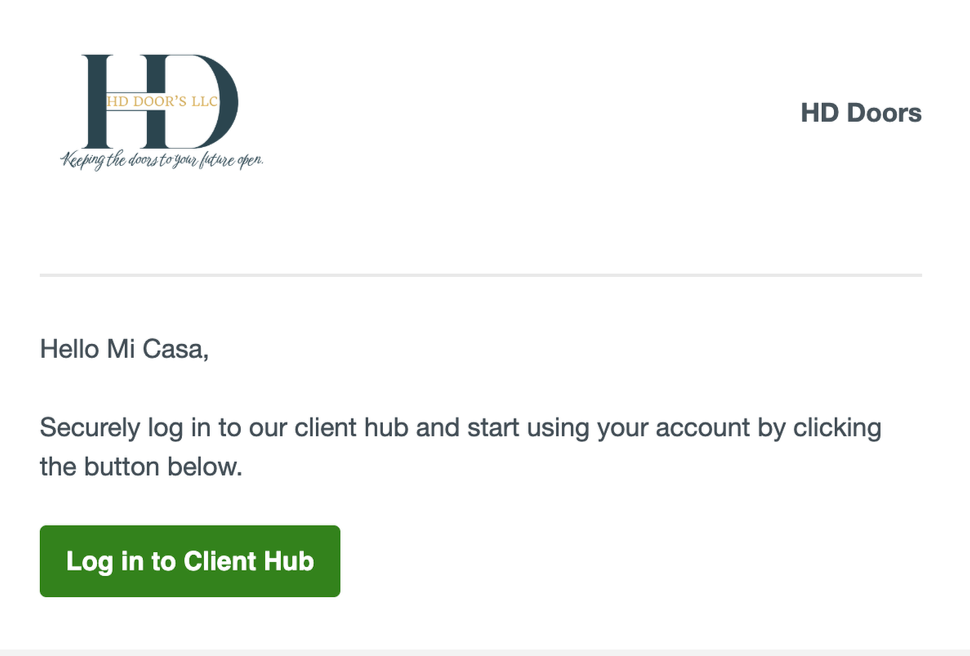
Step 6: Click the green “Log in to Client Hub” button.
Step 5: Go to the email you entered to access the link to login into your client portal.
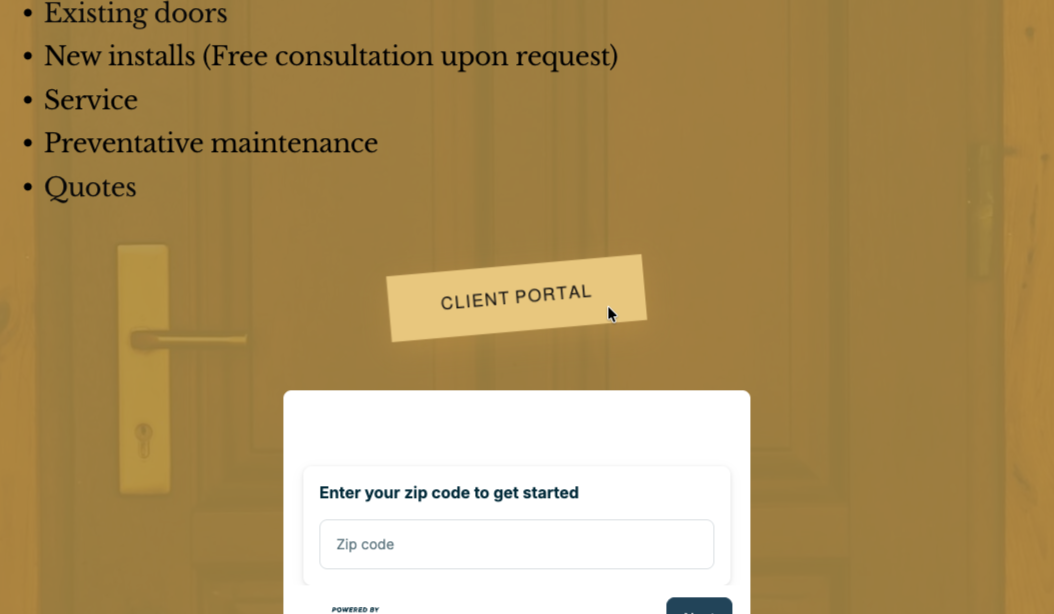
Step 2: Hover your mouse over Requests & Repairs and click client portal.