

How to Submit a Request
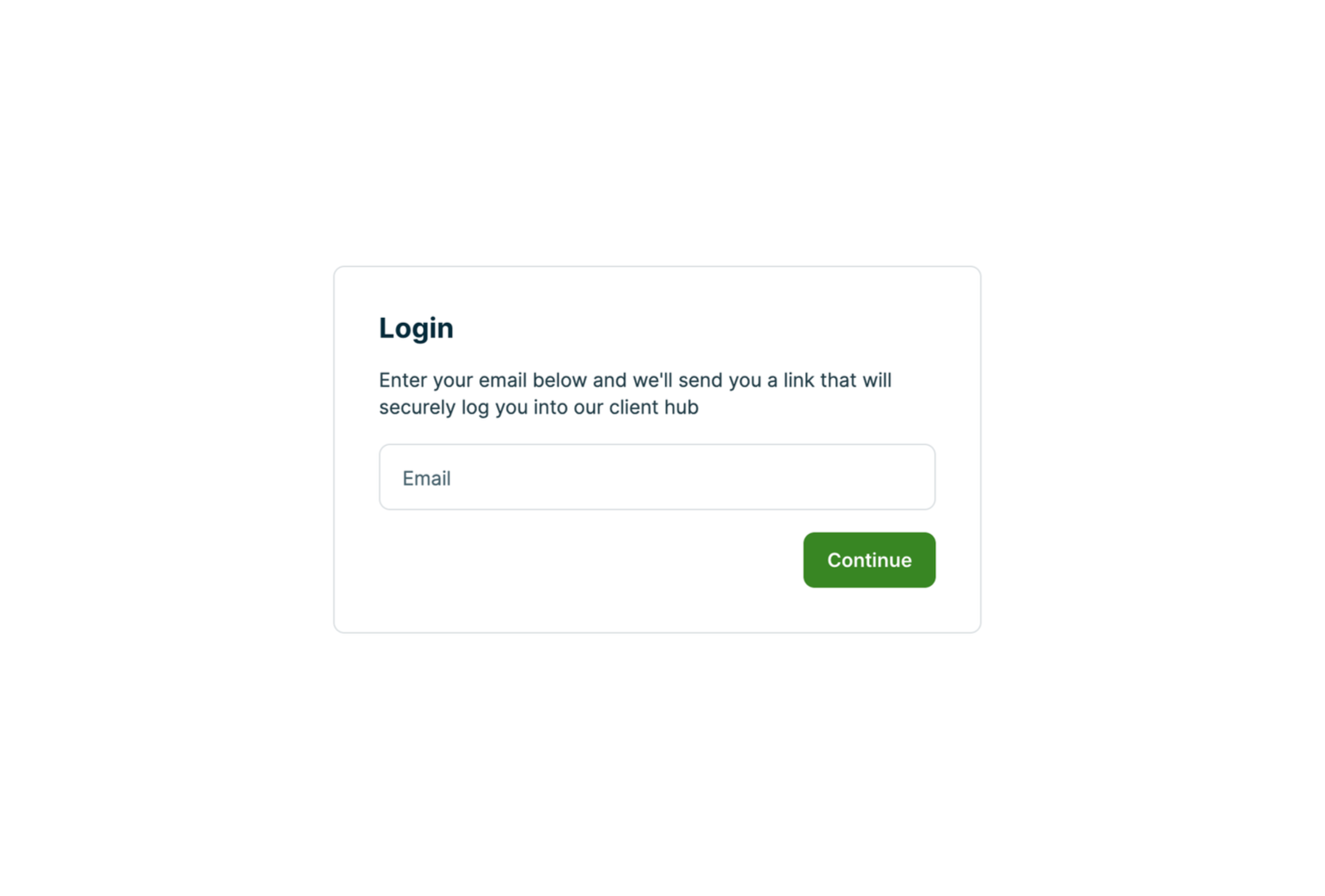
Step 1: Login to your Company Portal
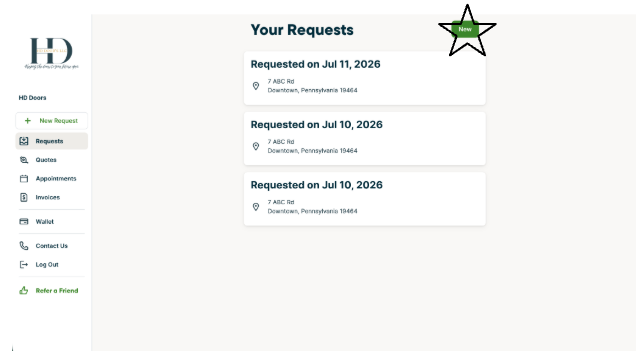
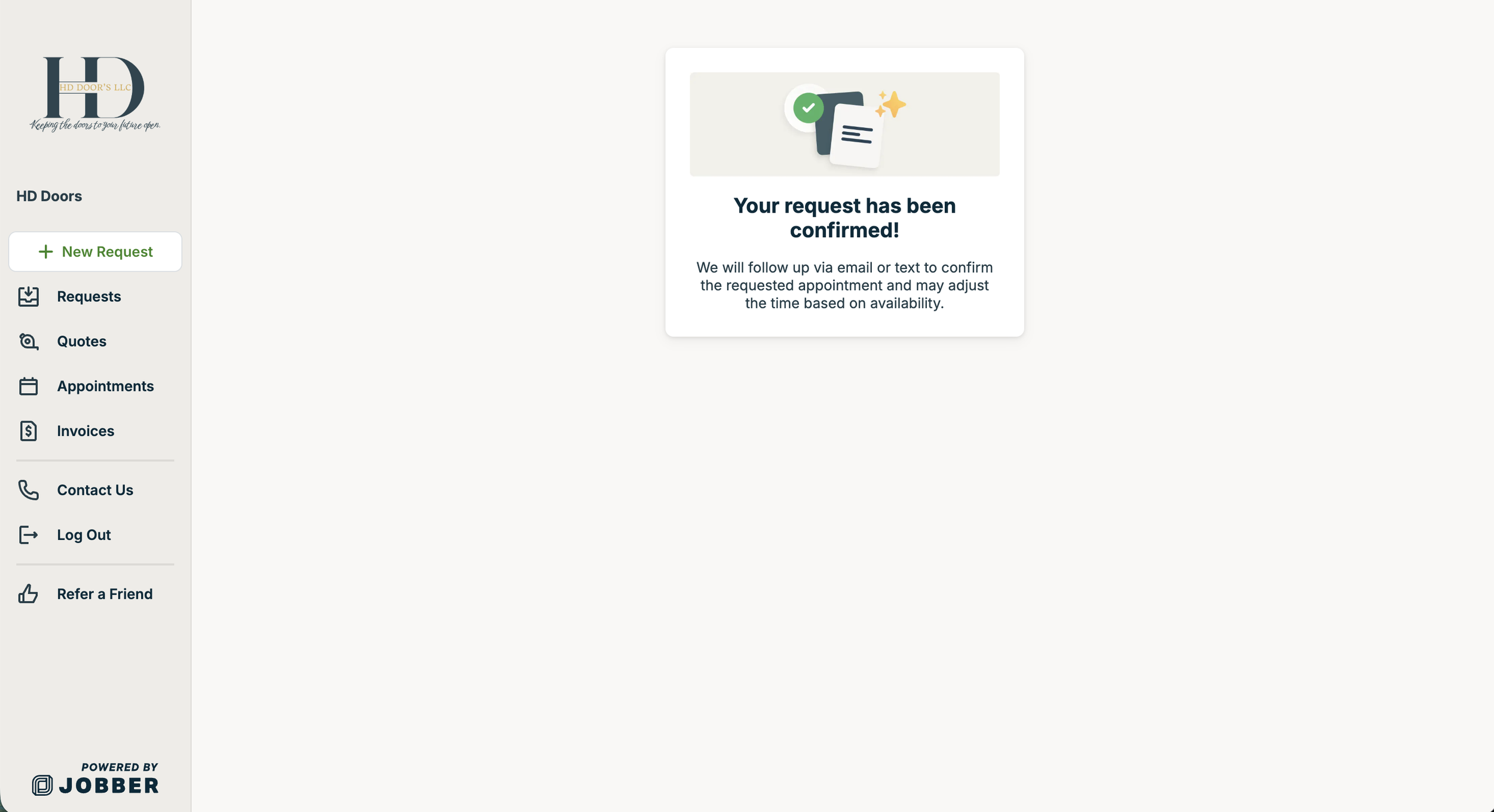
Step 6: You will get this screen once your request has been submitted successfully. You will also receive an email once a request is submitted.
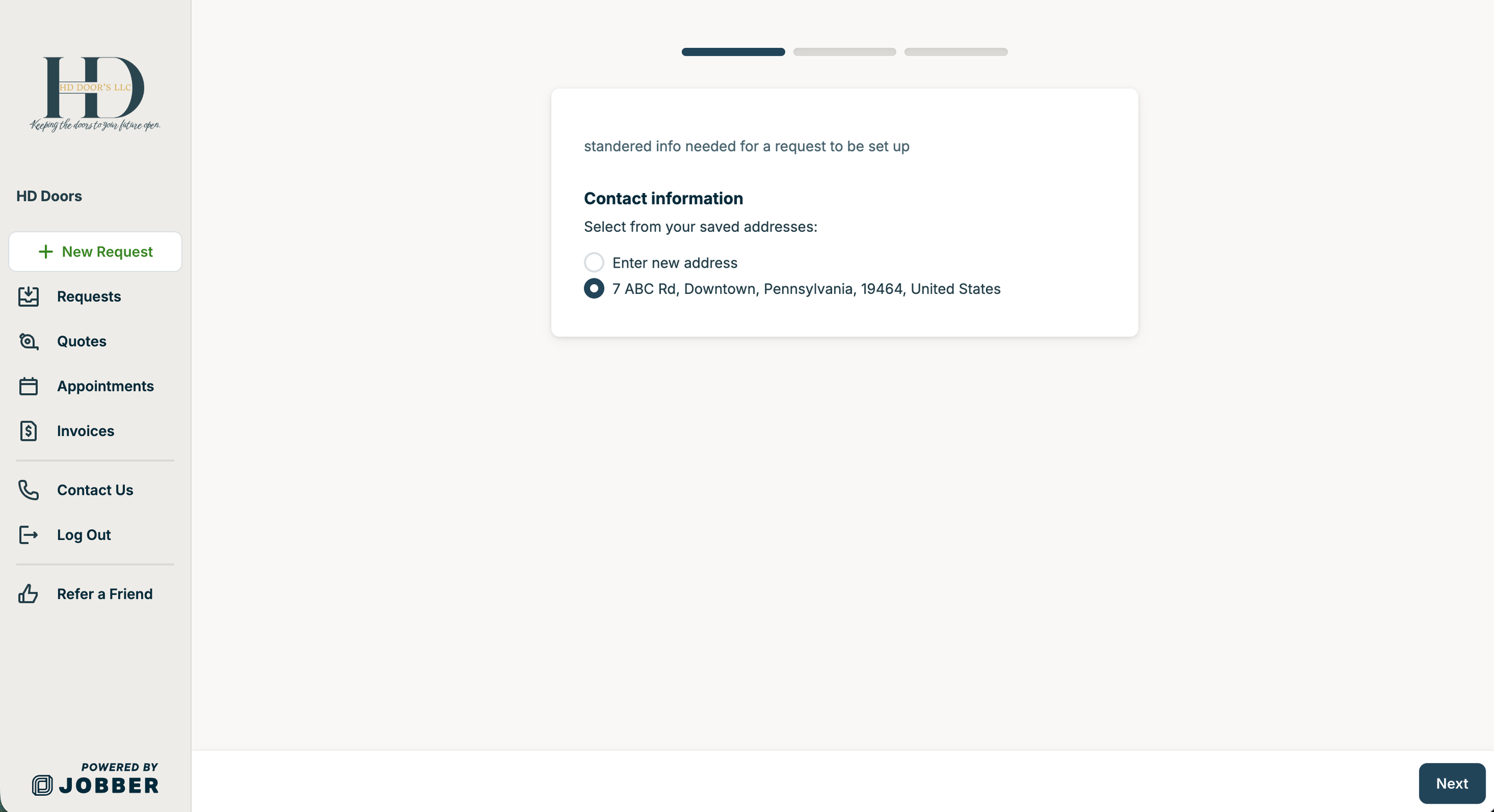
Step 3: You will then be prompted to enter the address of the door that is needing service work. After you enter the address press the blue next in the bottom right corner.
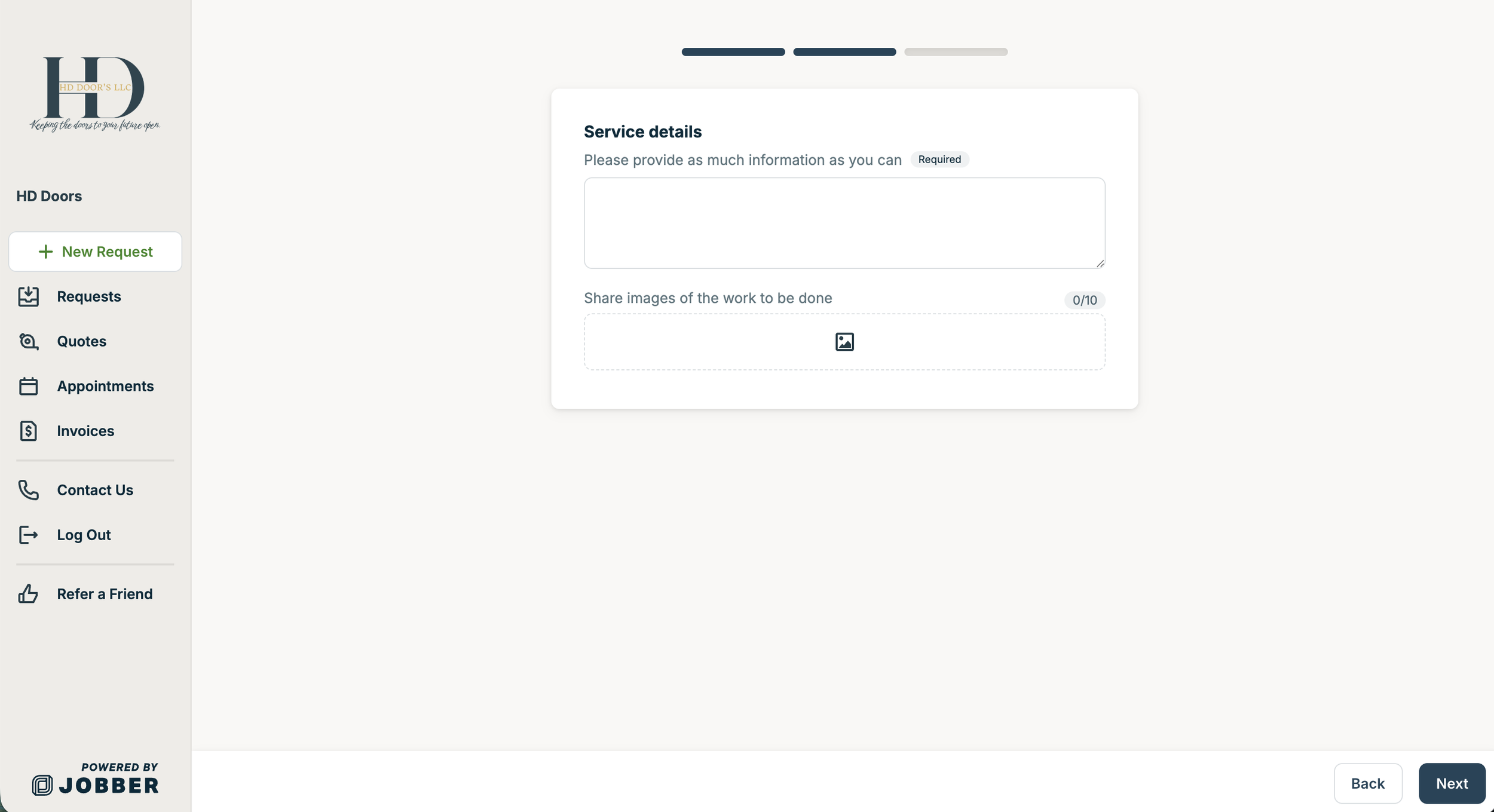
Step 4: Please enter as many details and pictures as possible to best help our staff to be prepared with possible things that maybe needed to service and fix your door on the first trip. Please also add any other location specifics (if needed) of the door. After you enter the details press the blue next in the bottom right corner.
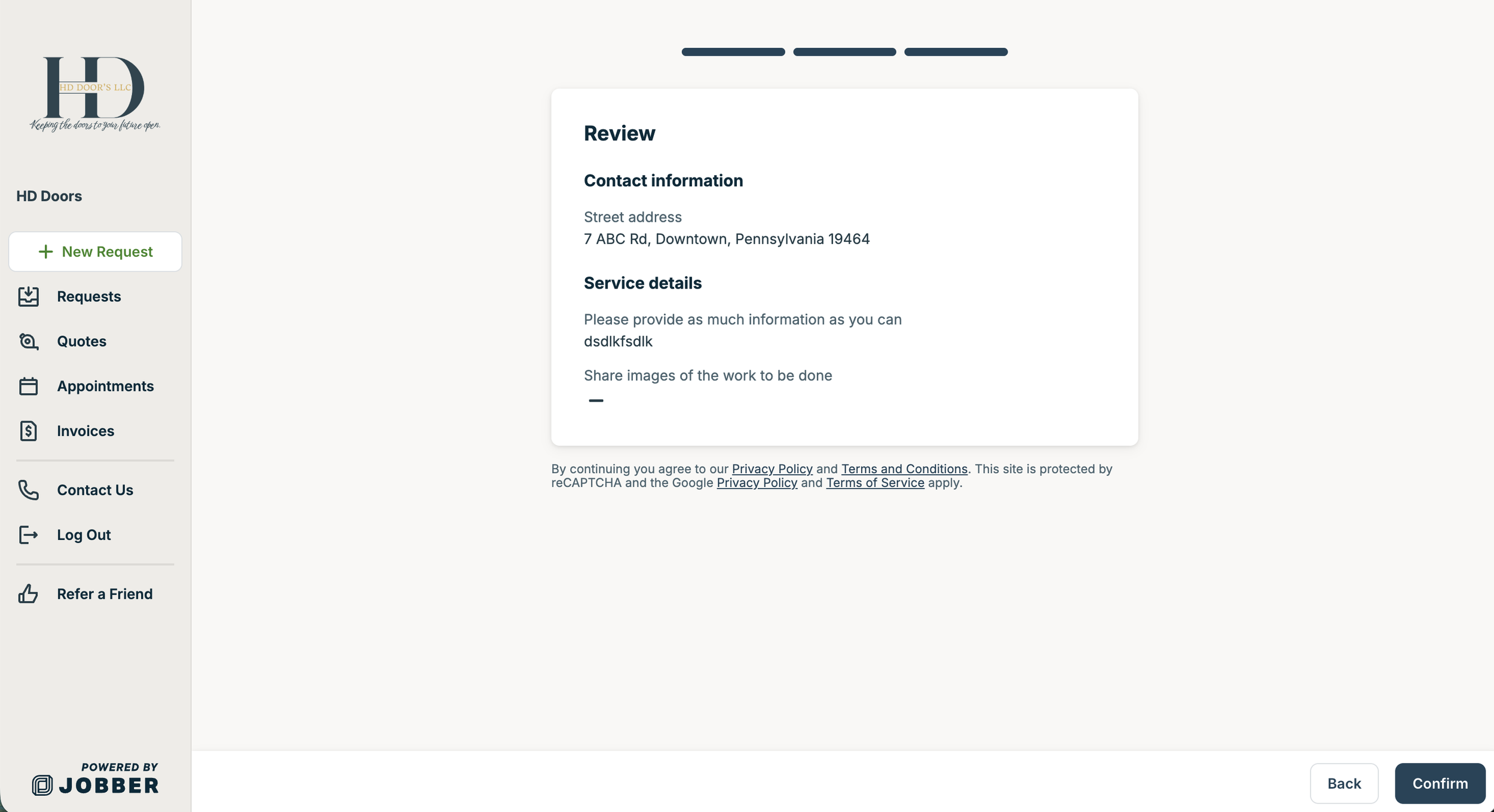
Step 5: Please review the information that is listed on the request and hit the blue confirm at the bottom right of the screen.
Step 2: Once you are in the portal click on requests. Once on that page click the green “new” at the top right.